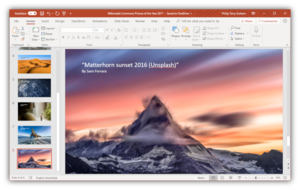
Ahh, Powerpoint, my old, reliable friend.
I use you for the basics: making presentations with text and occasionally a cool image. I have dabbled with the timing and transition graphics, but I never knew what you were truly capable of. This week, my eyes were finally opened.
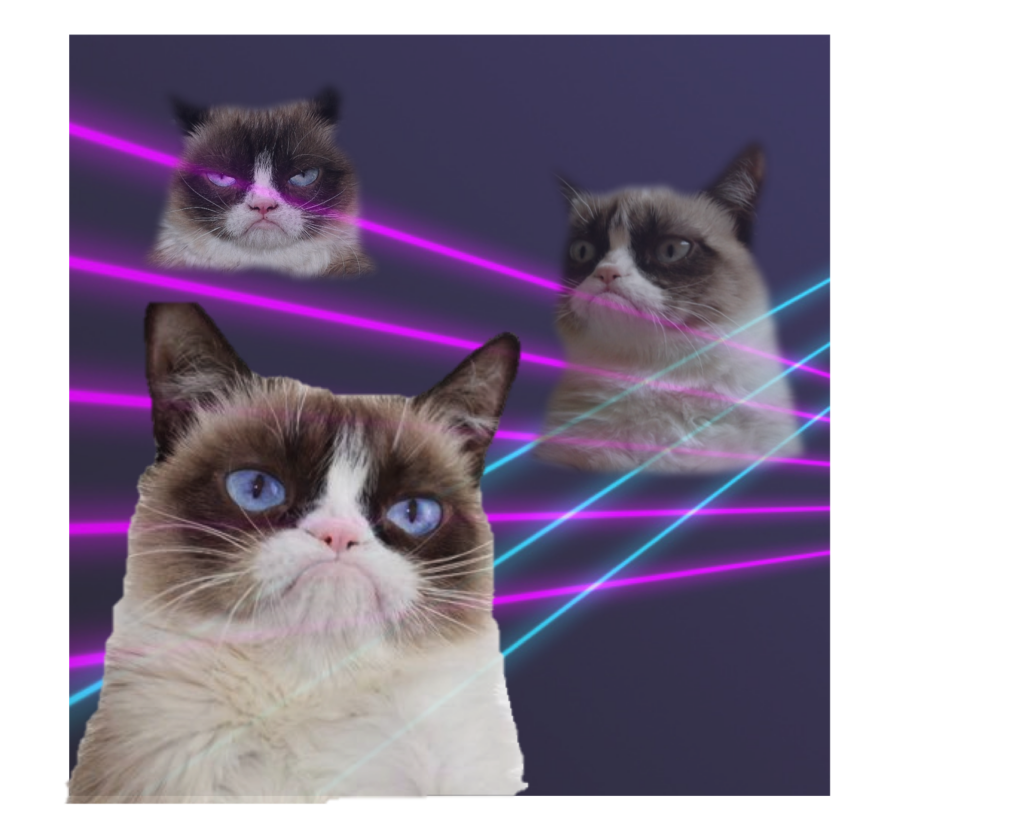
We explored Powerpoint (PP) as a tool to make graphics and alter images and I had a blast creating my own content and thinking about how to use it in the classroom (beyond presentations). I mainly dabbled in removing the background of photos and playing with the transparency/image effects to make funny new pictures. I remember the trend of Grumpy Cat memes not that long ago, so I attempted to make my own.
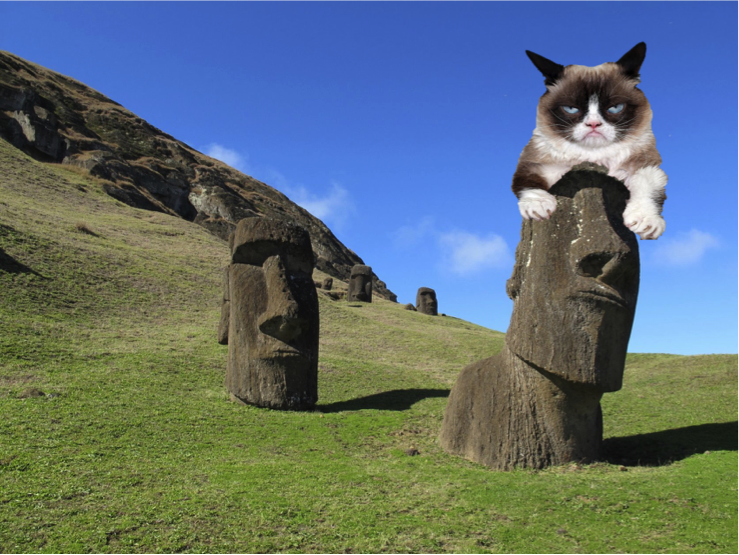
Grumpy Cat visits Easter Island 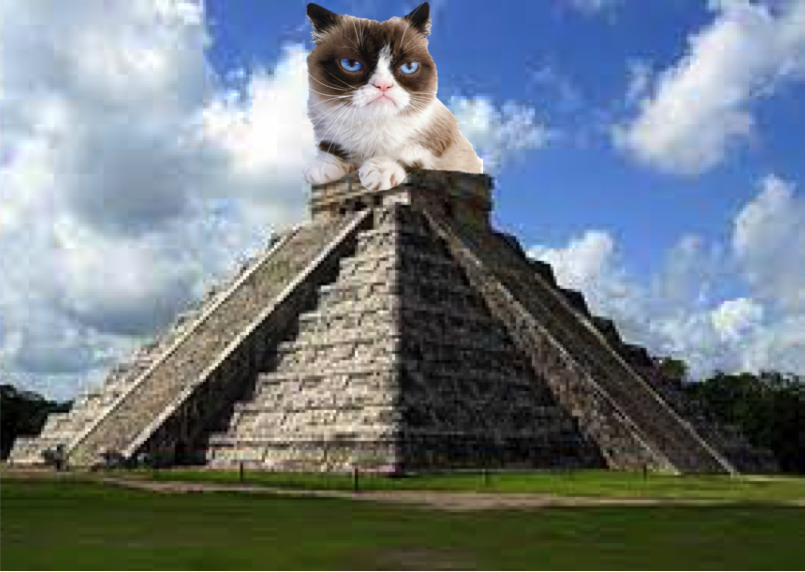
Grumpy Cat on Mayan Temple
In a Social Studies 9 classroom I was in on Wednesdays, they were using PP to make posters of inventions from the Industrial Revolution. They were to collage images and text to make an advertisement that would stand out and provide readers with information about the impact that innovation had on the world. It was neat to see them find, alter, and collage images, and the end results were far better than the cut-and-paste/draw collages I remember making in my high school days. I stopped and thought: this project worked in that classroom because they all had access to chrome books.
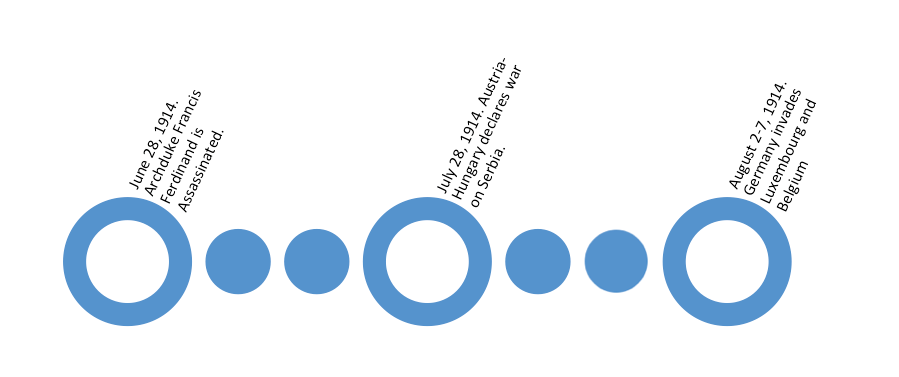
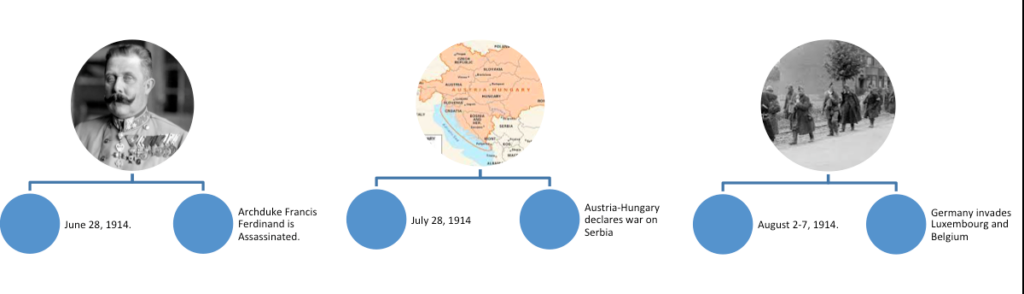
In a later class, the Social Studies 11 class was making a visual timeline of World War One. The example this teacher had was a pieces of printer paper taped together with cut out images and hand written entries. When I asked if students were allowed to make their timelines on PP, the teacher replied that they simply did not have consistent enough access to computers to make that possible. This was in the same school. It was a shame to think that these grade 11 students didn’t have the same access to technology – especially when I thought of the really interesting and interactive timelines that could be made using PP’s technology. I learned that teachers need to be aware of our access to technology and to be flexible, because there will still be times when student’s will not have access.
Leave a Reply
You must be logged in to post a comment.